> ## Documentation Index
> Fetch the complete documentation index at: https://docs.sherpo.io/llms.txt
> Use this file to discover all available pages before exploring further.
# Checkout
> Built-in Stripe checkout with multiple payment methods, including BNPL.
Sherpo wraps **Stripe Checkout** under your brand so every product can collect payments without any custom code. This guide explains how **checkout behaves**, which payment methods are available, and how to customize the experience.
If you are looking for a guide about how to setup Stripe Connect from the Dashboard and how Payments work on Sherpo behind the scenes, check out this:
Connect Stripe, monitor onboarding tasks, and review payouts and tax settings for your Sherpo organization.
***
## Checkout basics
* **Hosted flow** — When a buyer clicks **Unlock** on a product, Sherpo launches a responsive, secure checkout on your website. Behind the scenes, the checkout is powered by Stripe.
* **Accounts & access** — For product types with unlockables, such as **Courses** and **Downloads**, users are required to sign-in during checkout. Once payment succeeds, Sherpo immediately unlocks their purchase (files, course lessons, etc.).
* **Order summaries** — Each checkout includes a transparent order summary with the total price and buyer email address.
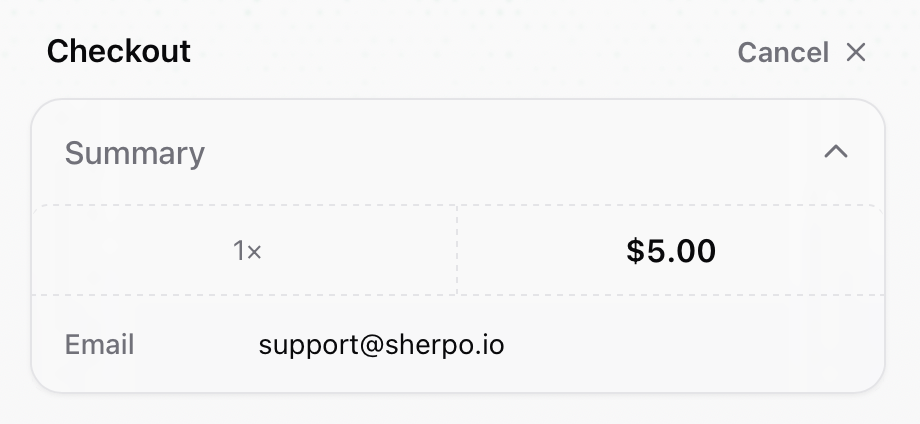 * **Receipts** — Stripe automatically emails a receipt for the payment, and Sherpo sends a transactional confirmation email on your behalf.
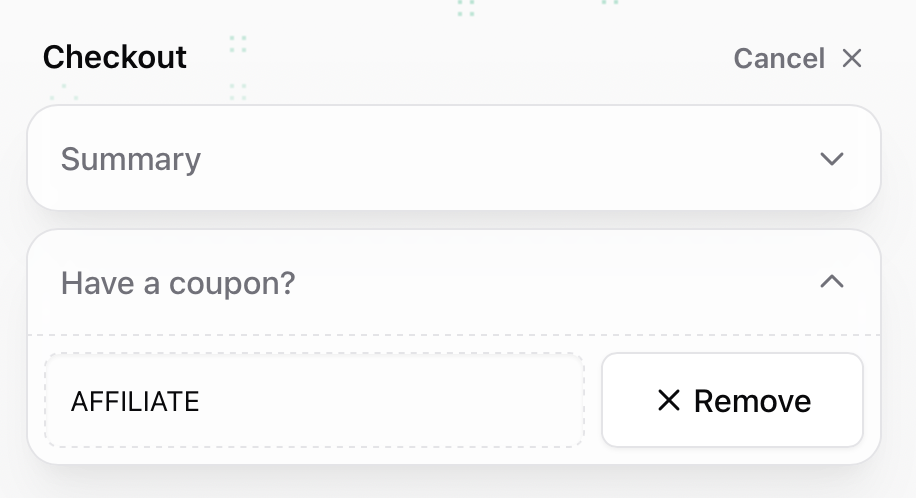
### 1. Add a coupon (optional)
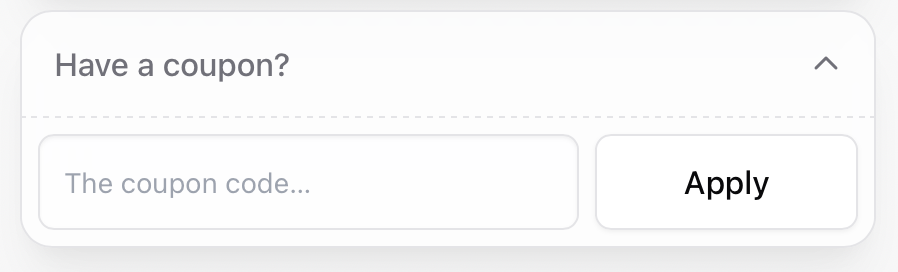
If discounts are available, users can enter a coupon before paying.
* **Receipts** — Stripe automatically emails a receipt for the payment, and Sherpo sends a transactional confirmation email on your behalf.
### 1. Add a coupon (optional)
If discounts are available, users can enter a coupon before paying.
 ### 2. Choose payment method
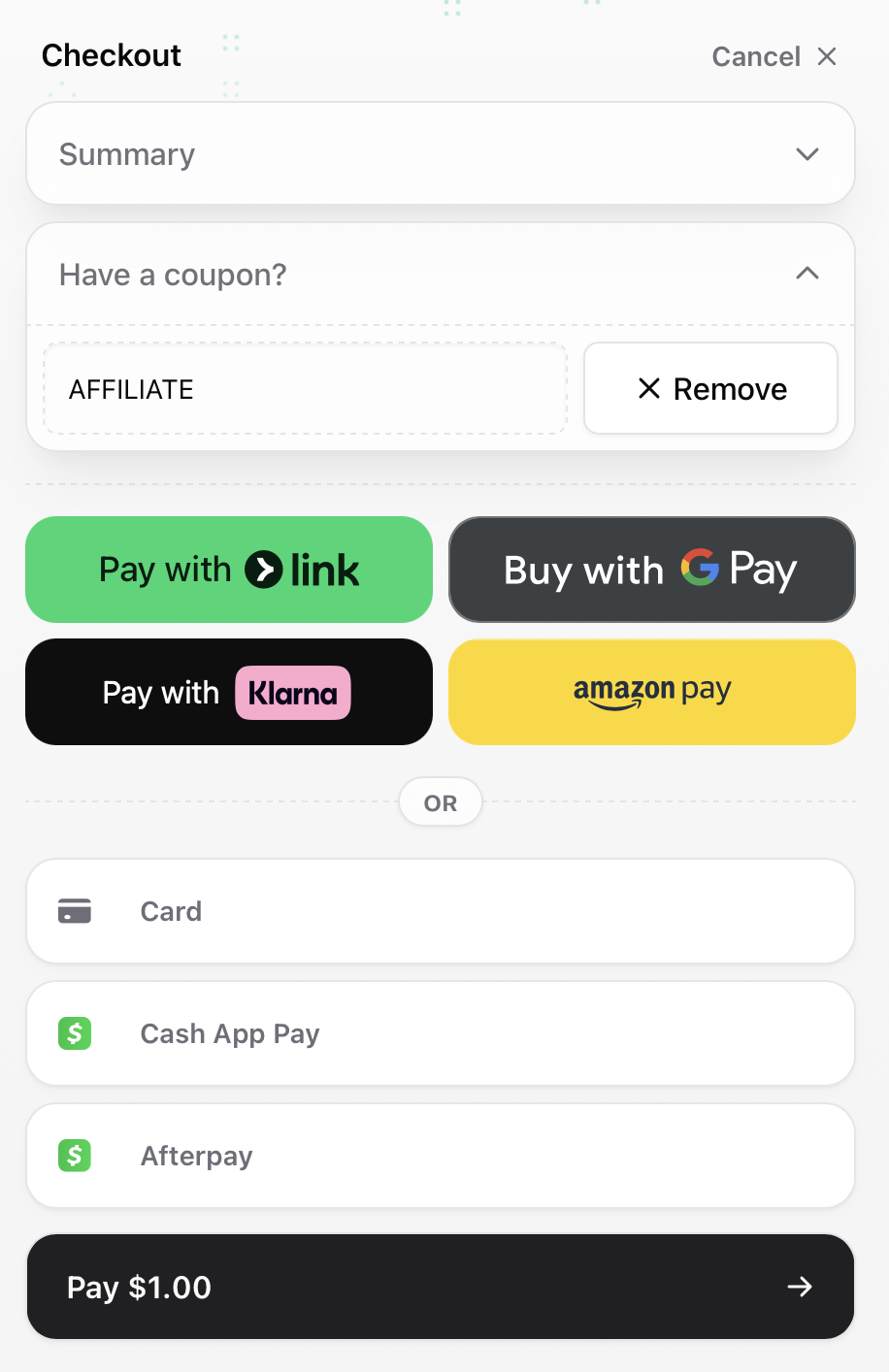
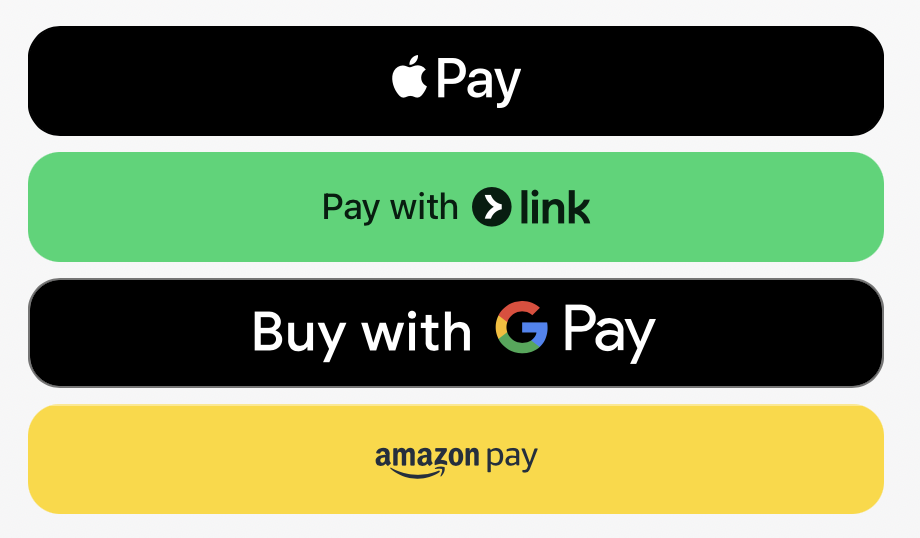
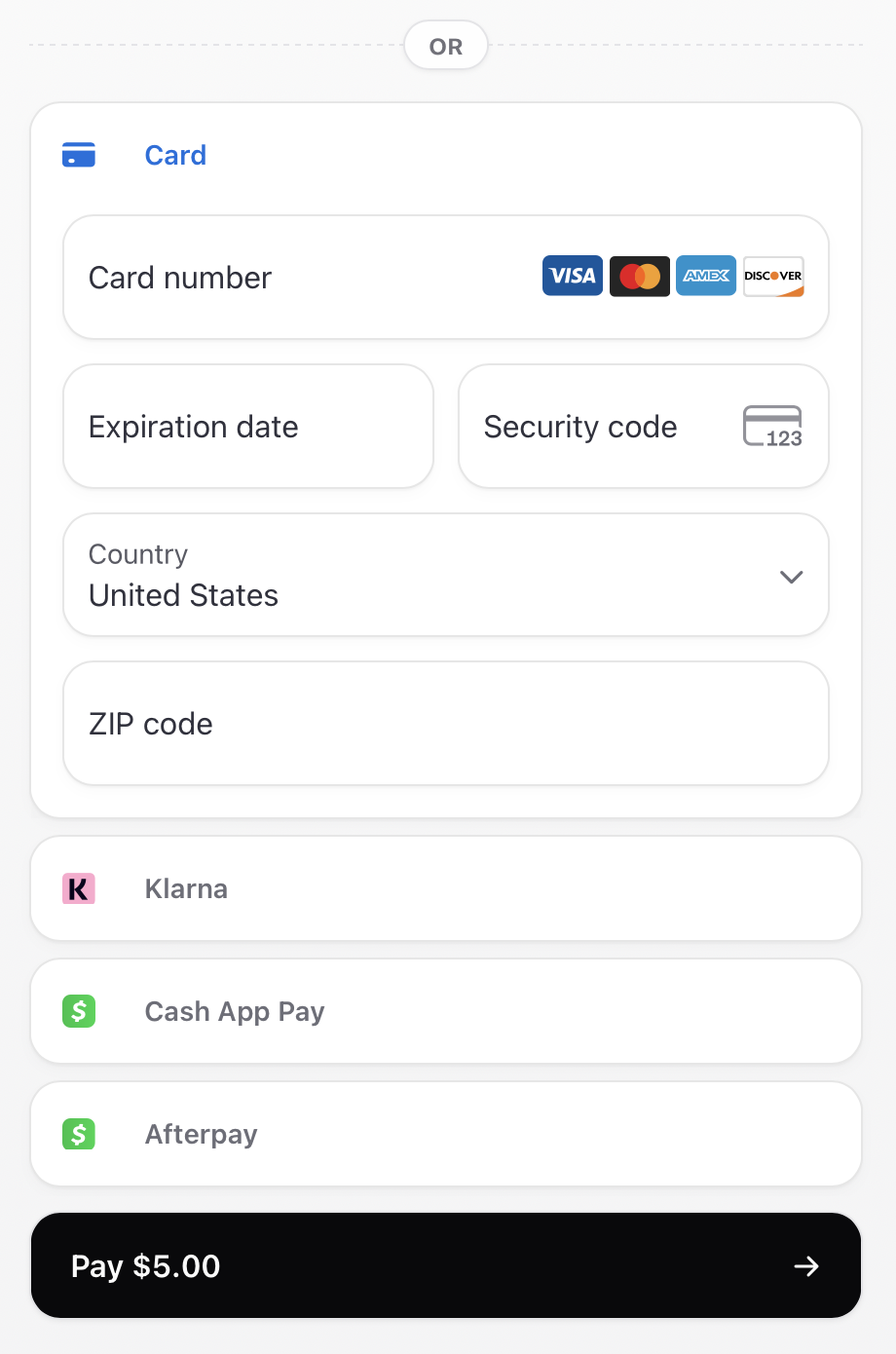
Users can pay with Link, Google Pay, Apple Pay, Amazon Pay, Klarna, Afterpay, or any major credit/debit card.
### 2. Choose payment method
Users can pay with Link, Google Pay, Apple Pay, Amazon Pay, Klarna, Afterpay, or any major credit/debit card.
 ### 3. Verification and success
After submitting payment, Sherpo verifies the transaction.
### 3. Verification and success
After submitting payment, Sherpo verifies the transaction.
 If successful, Sherpo redirects to the unlocked course.
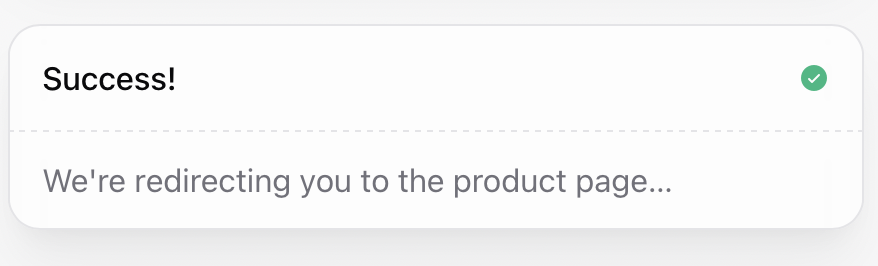 Users also receive an email confirmation and, for paid products, a receipt.
 ***
## Free unlocks
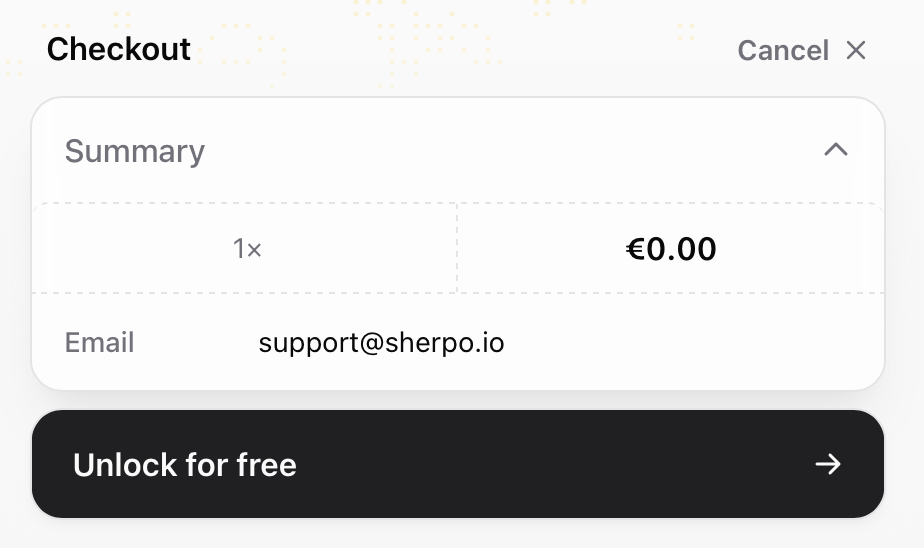
If a product is set to **free**, users will see an *Unlock for free* button. This lightweight flow still requires an email, ensuring access is tied to their account.
***
## Free unlocks
If a product is set to **free**, users will see an *Unlock for free* button. This lightweight flow still requires an email, ensuring access is tied to their account.
 ***
## Supported payment methods
Sherpo relies on **Stripe’s payment method availability**, automatically syncing your configured options. All payments flow through your connected Stripe account.
***
## Supported payment methods
Sherpo relies on **Stripe’s payment method availability**, automatically syncing your configured options. All payments flow through your connected Stripe account.
 | Method | Availability | Notes |
| --------------------------------------------------------------- | --------------------------------- | ----------------------------------------------------------------------------------------------------------- |
| **Cards (Visa, Mastercard, AmEx, Discover, etc.)** | Global | Enabled by default for all Stripe accounts. |
| **Apple Pay & Google Pay** | Regions supported by Apple/Google | Automatically active once your domain is verified with Stripe (Sherpo handles this for `.sherpo.io` sites). |
| **Link by Stripe** | US + select countries | Lets customers save cards and addresses for one-click checkout. |
| **Buy now, pay later (Klarna, Afterpay/Clearpay, Affirm, Zip)** | Varies by buyer location | Stripe dynamically displays eligible BNPL methods. Klarna is available in all supported regions. |
> **Note:** PayPal is not currently supported on Sherpo.
| Method | Availability | Notes |
| --------------------------------------------------------------- | --------------------------------- | ----------------------------------------------------------------------------------------------------------- |
| **Cards (Visa, Mastercard, AmEx, Discover, etc.)** | Global | Enabled by default for all Stripe accounts. |
| **Apple Pay & Google Pay** | Regions supported by Apple/Google | Automatically active once your domain is verified with Stripe (Sherpo handles this for `.sherpo.io` sites). |
| **Link by Stripe** | US + select countries | Lets customers save cards and addresses for one-click checkout. |
| **Buy now, pay later (Klarna, Afterpay/Clearpay, Affirm, Zip)** | Varies by buyer location | Stripe dynamically displays eligible BNPL methods. Klarna is available in all supported regions. |
> **Note:** PayPal is not currently supported on Sherpo.
 ***
## Coupons and bundles
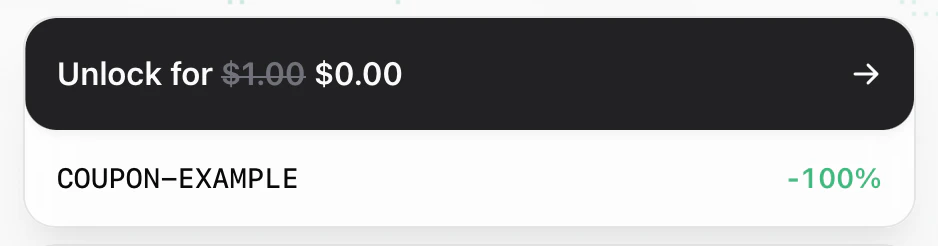
* **Coupons** — Buyers can apply discounts using URLs with `?coupon=CODE`, custom redirect links, or by entering a code at checkout. Discounts appear instantly.
***
## Coupons and bundles
* **Coupons** — Buyers can apply discounts using URLs with `?coupon=CODE`, custom redirect links, or by entering a code at checkout. Discounts appear instantly.
 Sherpo also supports automatically applied coupons, either always active or shareable with their custom link:
 If you're looking for a guide about how to create coupons, check this out:
Boost sales with targeted coupon codes and affiliate payouts managed directly in Sherpo.
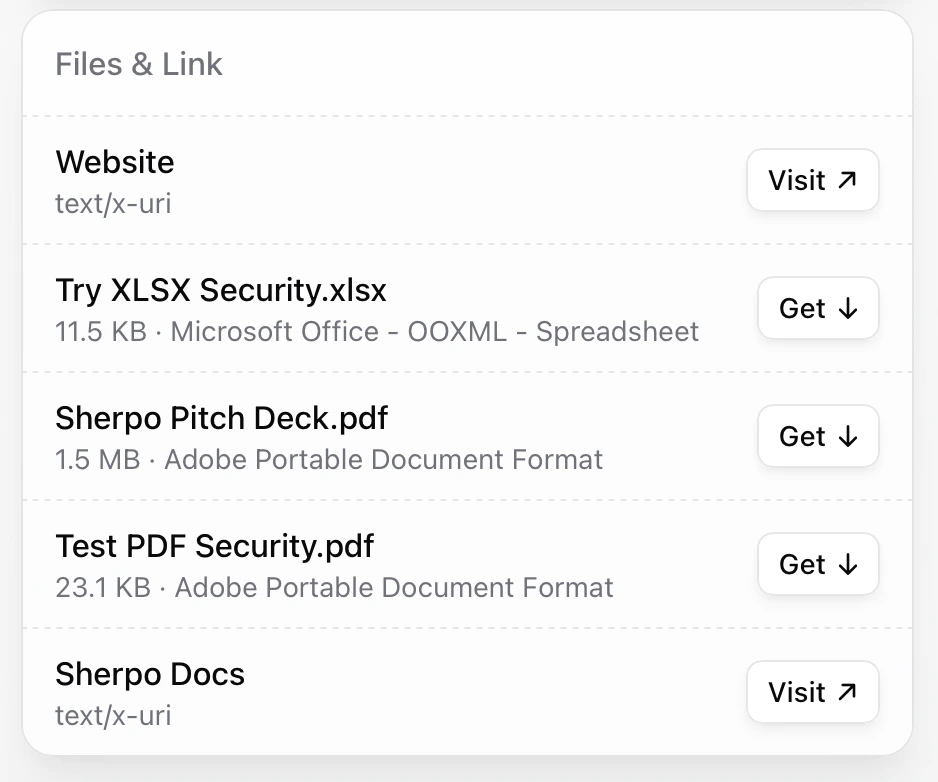
* **Bundles** — all files and links appear as one line item under the "Content" block: customers will unlock all the items post-purchase.
If you're looking for a guide about how to create coupons, check this out:
Boost sales with targeted coupon codes and affiliate payouts managed directly in Sherpo.
* **Bundles** — all files and links appear as one line item under the "Content" block: customers will unlock all the items post-purchase.
 ***
## Testing checkout
If you want to be extra sure, you can test your checkout flow safely before going live:
1. Connect a **Stripe test account** from your Sherpo **Payments** page.
2. Create a **Coffee product** with a minimum price of **\$3.00**.
3. Test a transaction directly on your Sherpo site.
4. Within 7 days, you’ll receive the payout (net of Stripe and Sherpo fees).
> **Note:** Testing is optional: Sherpo automatically verifies that all live checkouts function correctly.
***
## Best practices
* Complete **Stripe Connect onboarding** before launching sales to avoid payout interruptions.
* Regularly monitor your **Payments** tab to track payout status and resolve any pending Stripe compliance requests.
Sherpo’s checkout is fast, secure, and fully branded, letting you focus on building products while Stripe manages global payment processing behind the scenes.
***
## FAQ
Not yet. Sherpo currently supports only payment methods powered by **Stripe**. PayPal and other processors are being considered for future updates.
Sherpo automatically surfaces BNPL options, such as Klarna, Afterpay, Affirm, or Zip, when Stripe determines the buyer is eligible.
* **Klarna** is available in all supported regions.
* **Afterpay/Clearpay** supports Australia, Canada, New Zealand, the UK, and the US.
* **Affirm** works in the US and Canada.
* **Zip** supports Australia and the US.\
Keep in mind that certain payment methods only appear for orders above specific value thresholds set by the provider.
Yes. Sherpo automatically enables **Apple Pay** and **Google Pay** when your domain is verified with Stripe. For `.sherpo.io` sites, domain verification is handled automatically.
All orders appear under **Sales** in your Sherpo dashboard, complete with synced payout information from Stripe. You can also view sales by product under each product’s Sales view.
Yes. Set your product price to **\$0** or use an **automation** to unlock products for free upon signup. Sherpo bypasses Stripe’s checkout and sends an access confirmation email automatically.
Yes. You can issue refunds directly through Sherpo, under **Payments -> Balance & Payouts**.
***
## Testing checkout
If you want to be extra sure, you can test your checkout flow safely before going live:
1. Connect a **Stripe test account** from your Sherpo **Payments** page.
2. Create a **Coffee product** with a minimum price of **\$3.00**.
3. Test a transaction directly on your Sherpo site.
4. Within 7 days, you’ll receive the payout (net of Stripe and Sherpo fees).
> **Note:** Testing is optional: Sherpo automatically verifies that all live checkouts function correctly.
***
## Best practices
* Complete **Stripe Connect onboarding** before launching sales to avoid payout interruptions.
* Regularly monitor your **Payments** tab to track payout status and resolve any pending Stripe compliance requests.
Sherpo’s checkout is fast, secure, and fully branded, letting you focus on building products while Stripe manages global payment processing behind the scenes.
***
## FAQ
Not yet. Sherpo currently supports only payment methods powered by **Stripe**. PayPal and other processors are being considered for future updates.
Sherpo automatically surfaces BNPL options, such as Klarna, Afterpay, Affirm, or Zip, when Stripe determines the buyer is eligible.
* **Klarna** is available in all supported regions.
* **Afterpay/Clearpay** supports Australia, Canada, New Zealand, the UK, and the US.
* **Affirm** works in the US and Canada.
* **Zip** supports Australia and the US.\
Keep in mind that certain payment methods only appear for orders above specific value thresholds set by the provider.
Yes. Sherpo automatically enables **Apple Pay** and **Google Pay** when your domain is verified with Stripe. For `.sherpo.io` sites, domain verification is handled automatically.
All orders appear under **Sales** in your Sherpo dashboard, complete with synced payout information from Stripe. You can also view sales by product under each product’s Sales view.
Yes. Set your product price to **\$0** or use an **automation** to unlock products for free upon signup. Sherpo bypasses Stripe’s checkout and sends an access confirmation email automatically.
Yes. You can issue refunds directly through Sherpo, under **Payments -> Balance & Payouts**.